Credits and usage
Read your credit balance, see what each action costs, and follow what you've used this billing cycle.
Transcript: Credits and usage in 15 seconds
Credits and Usage shows your credit balance: your monthly allowance and any credits you've purchased. The allowance refills each billing cycle, and unused allowance doesn't carry over. Below, the credit costs table lists what each action uses.
Go to Settings › Billing & usage › Credits & Usage. Any member of your organization can open it.
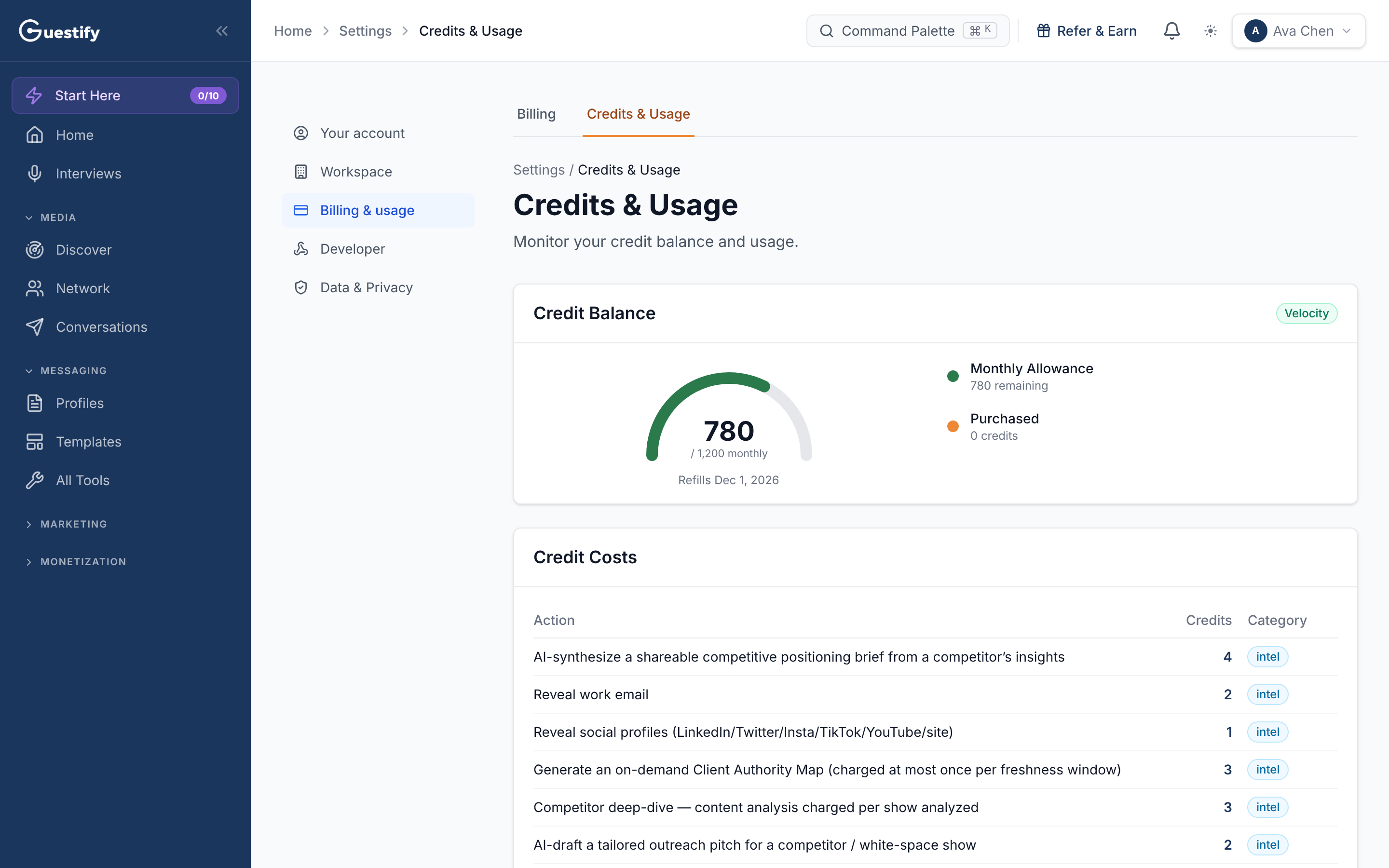
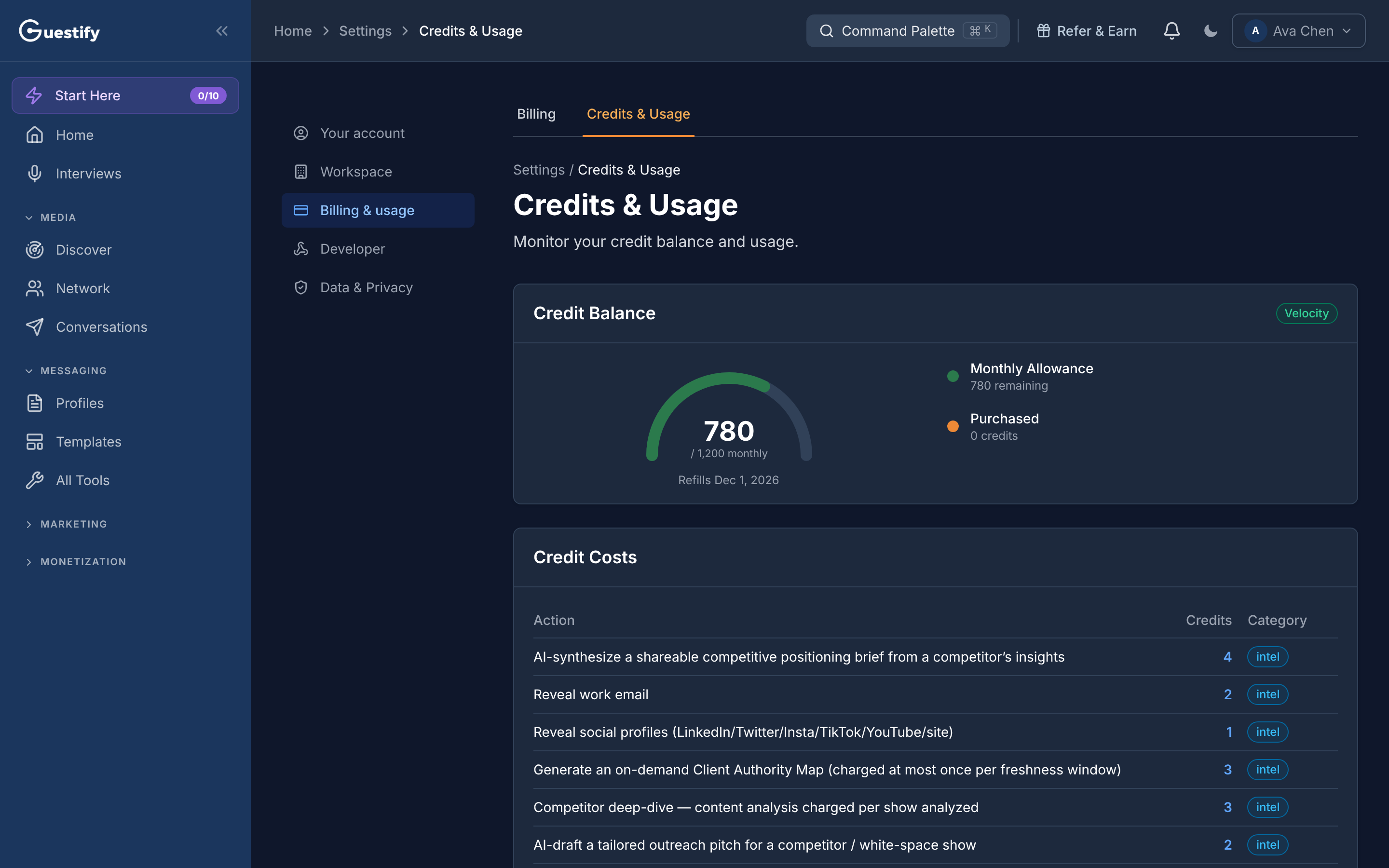
Your balance
Credit Balance shows your total credits and when they next refill. It is made up of:
- Monthly Allowance: the credits your plan gives you each billing cycle, with how many remain.
- Purchased: credits you've bought.
The monthly allowance doesn't carry over
At the start of each billing cycle your allowance is topped back up to your plan's amount. Unused allowance from the cycle before doesn't carry over. Purchased credits are separate and are not affected by the refill.
When you've used most of your allowance, owners see an Add capacity link to Billing. To buy more credits, the owner goes to Billing › Buy credit packs.
What each action costs
The Credit Costs table lists every action that uses credits, how many it uses, and its category. Searching in Prospector doesn't use credits (it counts toward your monthly searches instead); AI Match and Pitch Targets runs do.
What you've used
- This Cycle Usage shows the Credits Used, the number of Actions, and a breakdown by action.
- Transaction History lists each credit transaction, 20 to a page.
Teams and agencies
A member who can see only some clients sees those clients' history and usage.