Plans and billing
See your plan and this month's searches, change plan, and manage payment methods and invoices.
Transcript: Billing in 10 seconds
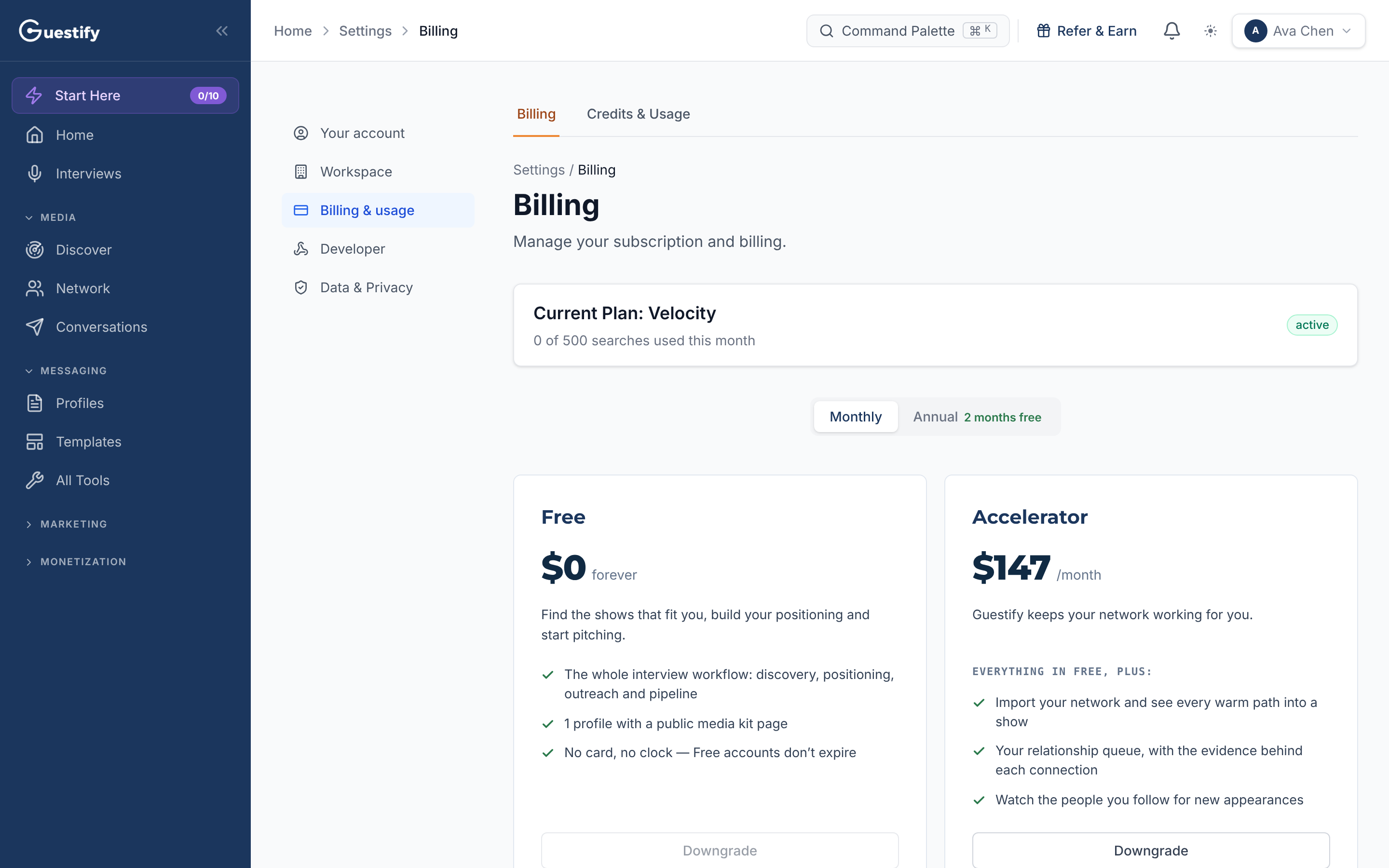
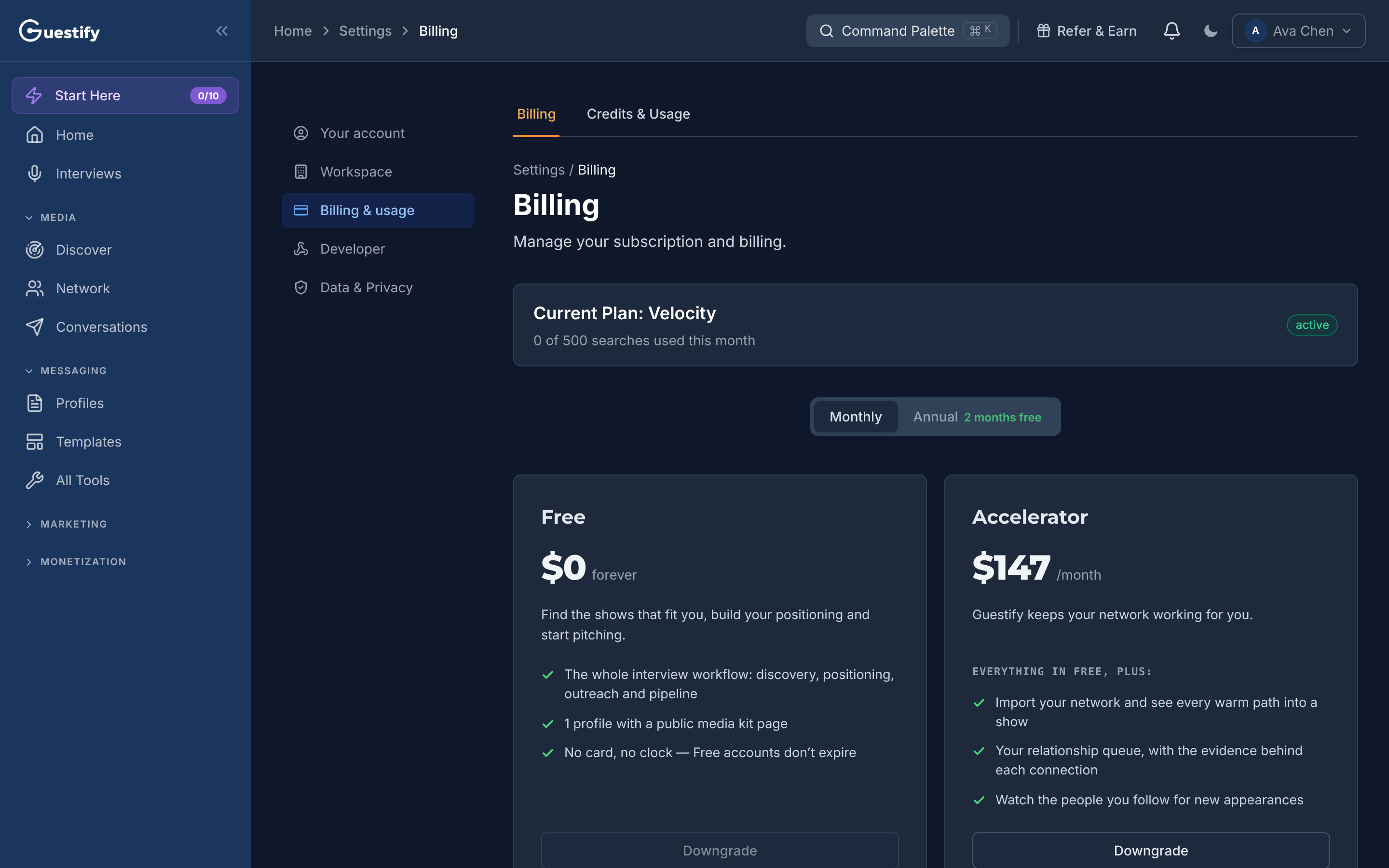
Billing, in Settings, shows your current plan and how many searches you've used this month. Compare plans side by side, monthly or annual, and upgrade or downgrade from here.
Go to Settings › Billing & usage › Billing.
Owners only
Only the organization's owner can open Billing. Everyone else can see Credits & Usage.
Your plan and usage
The top of the page shows your Current Plan and how many searches you've used this month. Usage This Period shows Searches Used, Team Seats and Client Slots.
Change plan
Compare plans side by side, with Monthly or Annual billing. Each plan shows Upgrade, Downgrade or Current Plan. Choosing Upgrade or Downgrade opens checkout on the page; confirm the change there.
Payment methods, invoices and cancelling
- Manage Billing opens the Stripe billing portal, where you manage payment methods, invoices, cancellation and subscription changes. Invoices are kept there, not on this page.
- Under Quick links, Buy credit packs opens the credit packs page, and Cancel or pause shows your options before you cancel.
- When you cancel, your subscription runs to the end of the current billing period.