Record outcomes
Log what an appearance led to, then see every outcome attributed back to the appearance that produced it.
Transcript: Outcomes in 20 seconds
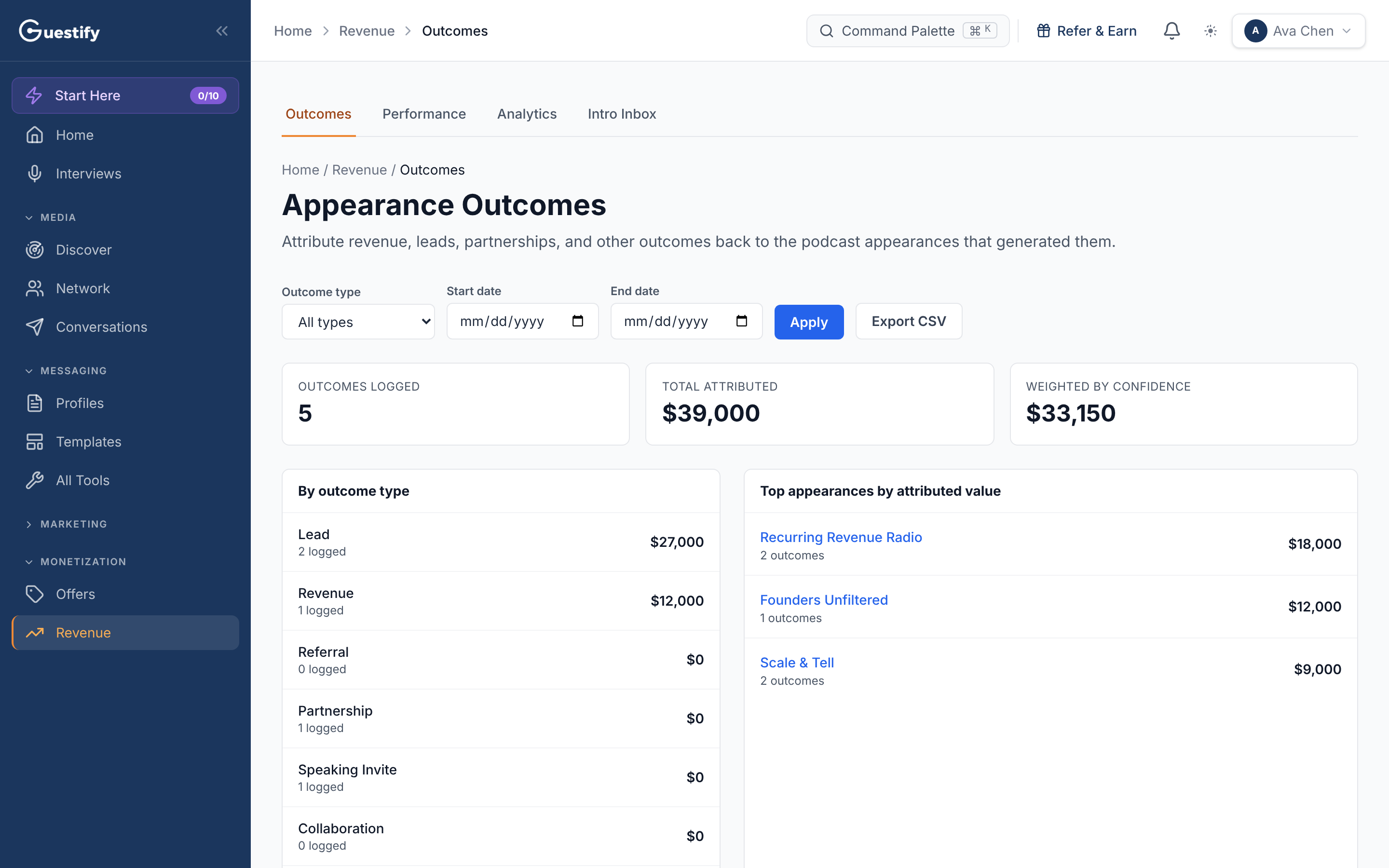
Revenue, then Outcomes, connects results back to the appearance that produced them: revenue, leads, partnerships, referrals and speaking invites. See totals by outcome type and the appearances that brought in the most, filter by date, and export everything to a spreadsheet.
Revenue › Outcomes is a report. It attributes revenue, leads, partnerships and other outcomes back to the appearances that produced them. You log each outcome on the appearance itself.
Log an outcome
There are three places to log one:
- On an aired appearance. Open an appearance with the Aired or Convert status. Its Overview tab can ask Anything come from this appearance? Pick what happened (for example Lead, Sale, Partnership or Introduction), or Nothing yet, Not sure or Remind me later, then Add detail if you want to.
- From the Guests tab of an appearance. Click Log Outcome next to a guest, choose the Outcome type, and add a Value (USD, optional), a Title and Notes.
- From your Portfolio. Click Log outcome on an appearance's card.
Outcome types are Referral, Partnership, Lead, Revenue, Speaking Invite, Collaboration, New opportunity, Audience growth and Other.
Read the Outcomes report
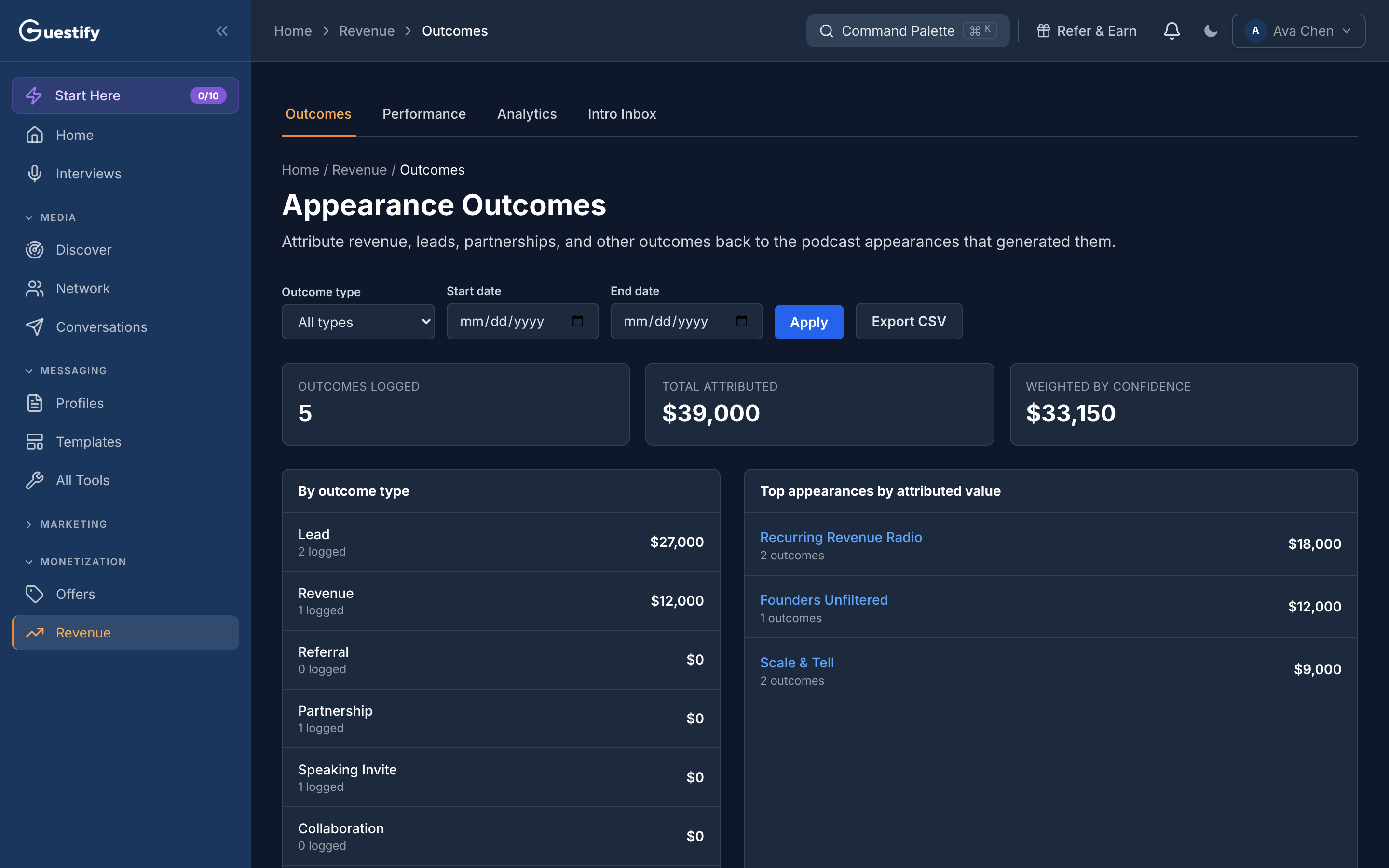
- The totals at the top count Outcomes logged, the Total attributed value, and the value Weighted by confidence.
- By outcome type gives the count and value for each type.
- Top appearances by attributed value ranks the appearances that brought in the most.
- Outcome log lists every outcome with its date, type, appearance, value, confidence and notes.
Filter by Outcome type and a Start date and End date, then click Apply. Export CSV downloads the outcomes as a spreadsheet file.
Agencies
The report follows the workspace you're in: one client's outcomes in that client's workspace.