Find the right shows
Search for podcasts and YouTube channels in Prospector, save searches you'll repeat, and add the shows you want to your pipeline.
Transcript: Prospector in 20 seconds
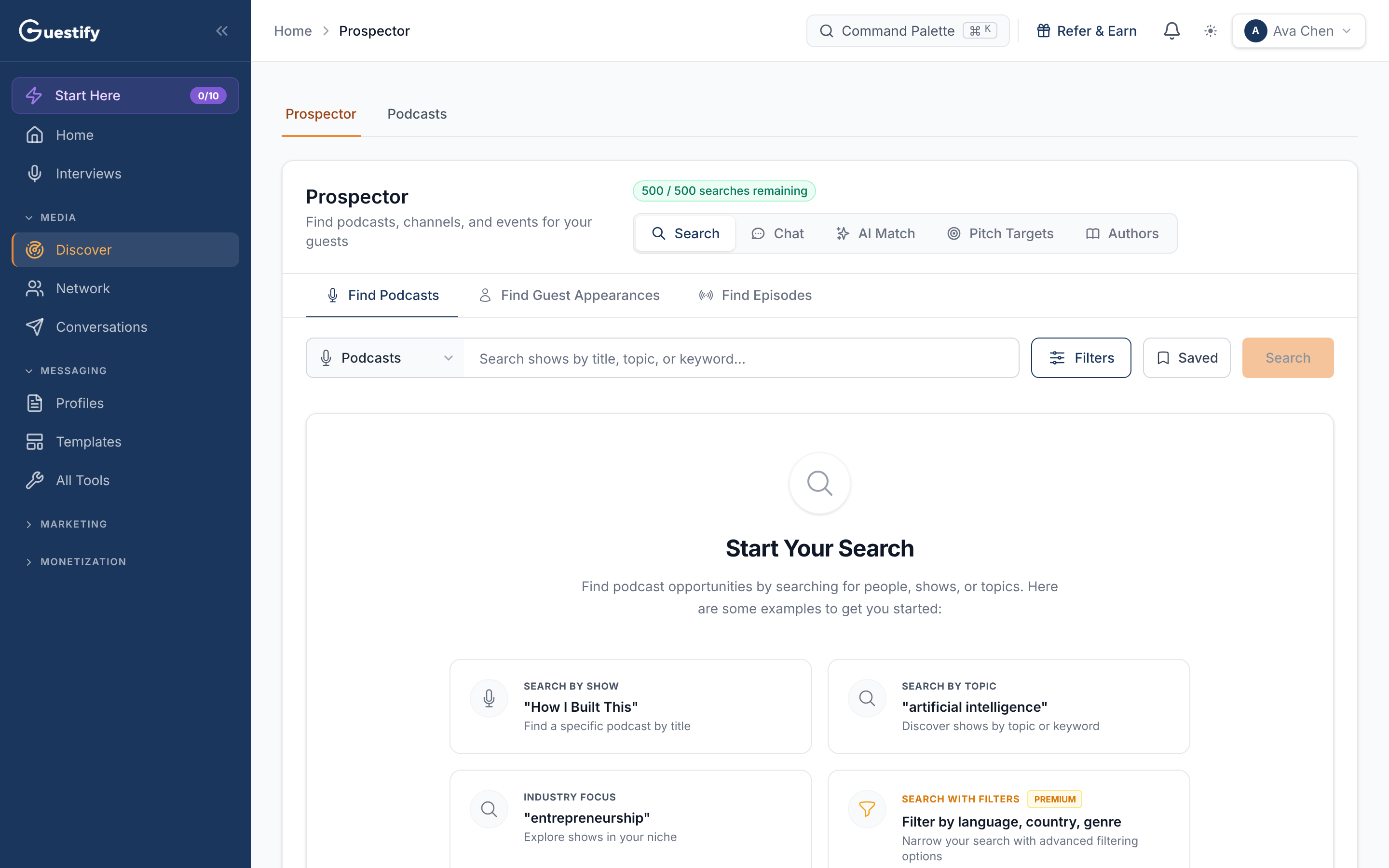
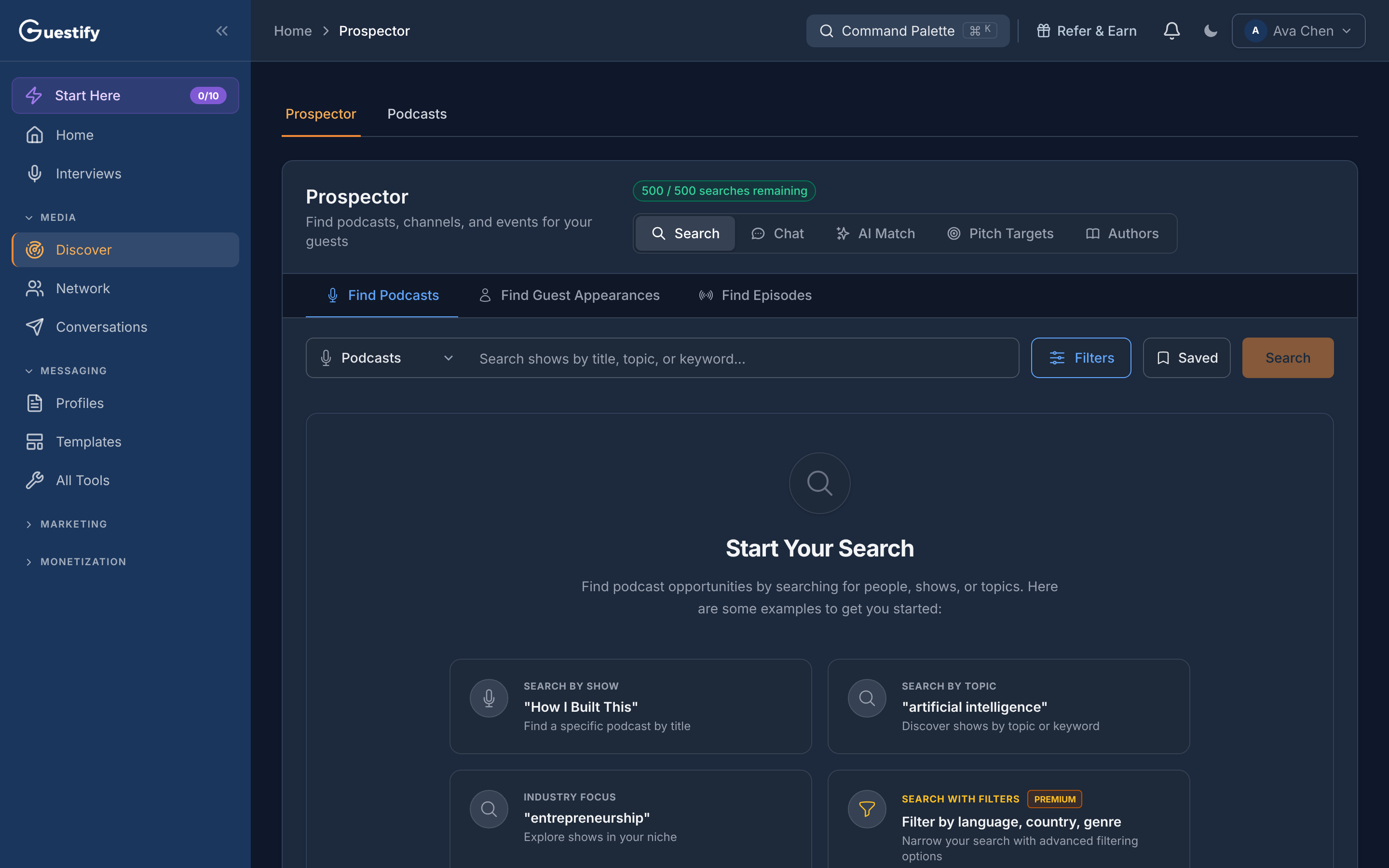
Prospector, under Discover, finds podcasts and YouTube channels for you. Search by show title, topic or keyword, add filters, and save the searches you'll run again. Or switch modes to Chat, AI Match, Pitch Targets or Authors. Your remaining searches for the month are shown at the top.
Prospector is under Discover › Prospector in the sidebar.
Search for shows
Choose what to search
Pick Podcasts or YouTube in the channel picker (YouTube isn't included in every plan). For podcasts, choose Find Podcasts, Find Guest Appearances (enter a person's name to see the shows they've been on) or Find Episodes.
Enter your search
Search shows by title, topic or keyword, and click Search.
Narrow it down
Click Filters to filter by relevance, language and location, timing and recency, or content. Filters with a padlock aren't included in your plan. Reset clears them.
Add the shows you want
On a result, click the add button (Add to pipeline as potential opportunity), or open its menu and choose Import as Potential or Import as Aired. In the table view the button reads Add to Pipeline. To add several at once, use Select All, then Import Selected.
A show you add lands in your pipeline with the Potential status (or Aired, if you chose that). A result you already track is marked In Pipeline or Aired. Adding a show counts toward your plan's limit on tracked opportunities.
Save a search to run again
Click Saved, then Save current search, give it a name and click Save search. To use it later, open Saved and pick it: its query and filters load, and you click Search to run it. Saved searches are yours alone, within the workspace you saved them in.
Your remaining searches
The badge at the top shows how many searches you have left this month, for example "412 / 500 searches remaining". Searches in Chat count toward it too.
Other ways to find shows
The mode switch at the top offers more than Search:
- Chat: describe what you're looking for in plain words. Not every plan includes it.
- AI Match: give Guestify your LinkedIn profile or a short bio, the topics you want to be known for and your goal, then click Find my shows. Each matched show comes with a fit label, a fit and bookability percentage, and a suggested angle. Each run uses credits; a cached result says so and costs nothing.
- Pitch Targets: ranks the shows you already track by fit, your warm-path access and authority. Each run uses credits.
- Authors: enter a topic and click Find authors to see who is publishing on it. Authors with a recent book are marked New release · likely touring. Find podcasts featuring an author runs a guest appearance search for them, so you see the shows that book guests on your topic.
Agencies
In the All clients view you can search, but you can't add a show: pick the client first. See Work in a client's workspace.